
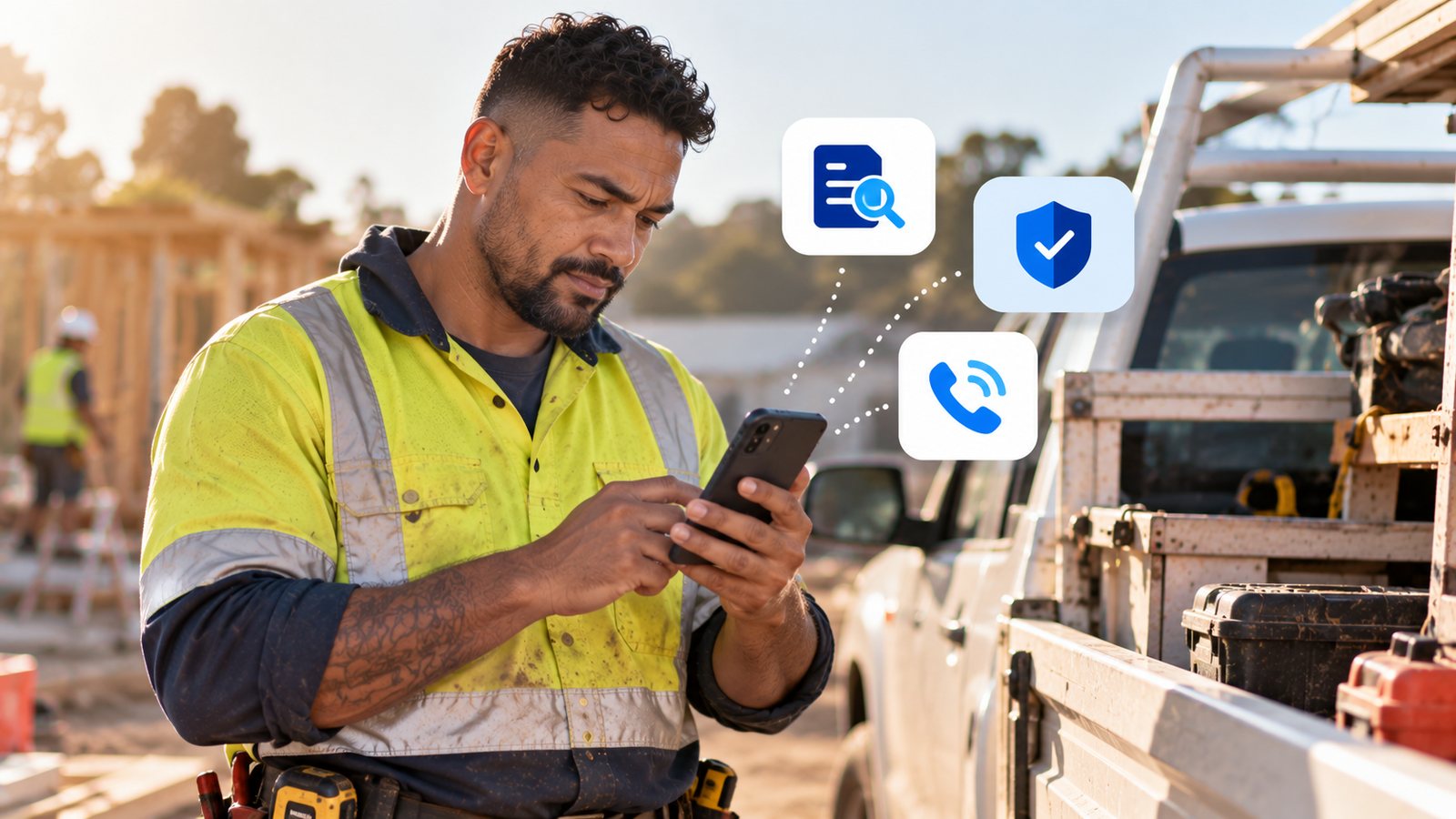
A supplier's invoice arrives looking exactly the way it always does — until the bank details at the bottom have quietly changed. That's a payment redirection scam, and it cost Australians $166.8 million in 2025 across combined data sources, up 9.3% on the year before (National Anti-Scam Centre, Targeting Scams report 2025). Trade businesses are a common target — regular supplier invoices, one-off jobs with larger payments, and email often checked quickly from the ute between jobs.
How Business Email Compromise Leads to Payment Redirection
Most payment redirection scams start with a compromised email account somewhere in the chain — a supplier's, a subcontractor's, or your own. The criminal doesn't need to hack anything sophisticated; a reused password or a clicked phishing link is often enough to get in. This is known as business email compromise, and it's the mechanism behind most payment redirection scams (Scamwatch: Business email compromise scams).
Once a scammer is inside an account, they rarely act immediately. They watch normal invoice traffic for a while, learning who pays whom, how much, and when. Then they send a message — sometimes from the real, compromised account itself, sometimes from a near-identical lookalike address — saying the bank account for payments has changed. The invoice looks right. The email thread looks right. The only thing wrong is where the money actually goes.
Warning Signs of a Scam Invoice
Scamwatch lists a short set of warning signs worth checking against any invoice that doesn't look quite routine:
- An invoice or bill arrives for something you don't remember ordering.
- A supplier's bank details change with no prior notice — especially if it happens right before a payment is due.
- The sender's email address has a small spelling error or is slightly different to what you normally see, even if the display name looks correct.
- The contact phone number in the email doesn't match the one you already have on file — a sign the scammer has swapped it for one they control.
None of these on their own guarantees a scam, but any one of them is reason enough to stop and check before paying.
What to Check Before You Pay a Changed Invoice
- Call the supplier on a number you already have — from a previous invoice, their website, or your phone contacts — never a number in the email itself, which could be fake too
- Be suspicious of any "updated bank details" message, especially if it arrives close to a payment being due
- Check the sender's actual email address, not just the display name — a slightly altered domain is a common giveaway
- Slow down on anything urgent — scammers rely on payments being processed quickly, before anyone stops to double-check
Why Trade Businesses Are a Common Target
A trade business often doesn't have someone whose job is purely to check invoices twice. Payments also tend to be larger and less frequent than in retail-style businesses — a single job can run to thousands of dollars, paid in one or two invoices rather than many small transactions — which makes each individual payment worth a scammer's time and patience. Add in email that's mostly checked from a phone between jobs, where a slightly-off sender address is harder to spot on a small screen, and juggling multiple suppliers and subcontractors whose invoicing habits aren't always memorised, and the conditions line up well for exactly this kind of scam.
What to Do If You've Already Paid a Scammer
If a payment has already gone to the wrong account, speed matters more than anything else. Scamwatch's guidance for anyone affected is to:
- Contact your bank or card provider immediately to report the scam and ask them to attempt to stop or recall the transaction.
- Change the passwords on any accounts or devices that may have been compromised, starting with email.
- Contact IDCARE, Australia and New Zealand's identity and cyber support service, on 1800 595 160 for a free plan to limit further damage.
- Report the scam to Scamwatch once your accounts are secured, so it can be tracked and used to warn others.
There's no guarantee a redirected payment can be recovered once it's gone, which is exactly why the checks above — made before paying, not after — are the more reliable line of defence.
Common Questions
What is a payment redirection scam? It's when a criminal, usually after compromising an email account, sends a fake invoice or a message claiming a supplier's bank details have changed — tricking the business into paying money into the wrong account.
How common are these scams in Australia? Payment redirection scams cost Australians $166.8 million in 2025 across combined data sources, up 9.3% from 2024's $152.6 million, according to the National Anti-Scam Centre's Targeting Scams report.
What are the warning signs of a scam invoice? An unexpected bill, a supplier's bank details changing without notice, a sender address with a small spelling error, or a contact number that doesn't match the one already on file.
What's the easiest way to check if a "change of bank details" email is real? Call the supplier on a phone number you already have on file — not one in the email — and confirm the change verbally before paying anything to a new account.
Why do tradies get targeted specifically? Trade businesses often deal with larger one-off invoices, work from the phone where it's harder to spot small inconsistencies, and juggle many suppliers and subcontractors — all of which make a fake invoice easier to slip through unnoticed.
What should I do if I've already paid a scam invoice? Contact your bank immediately to report it and attempt a recall, change your passwords, contact IDCARE on 1800 595 160 for help limiting the damage, then report the scam to Scamwatch.
Where to Next
The question underneath all of this is whether Microsoft 365 already protects against the compromised account that usually makes these scams possible in the first place. Microsoft 365 Business Email: Tips for SMBs unpacks exactly that.